OnlyFans Home Setup on a Budget: Light, Camera, Mic, Background
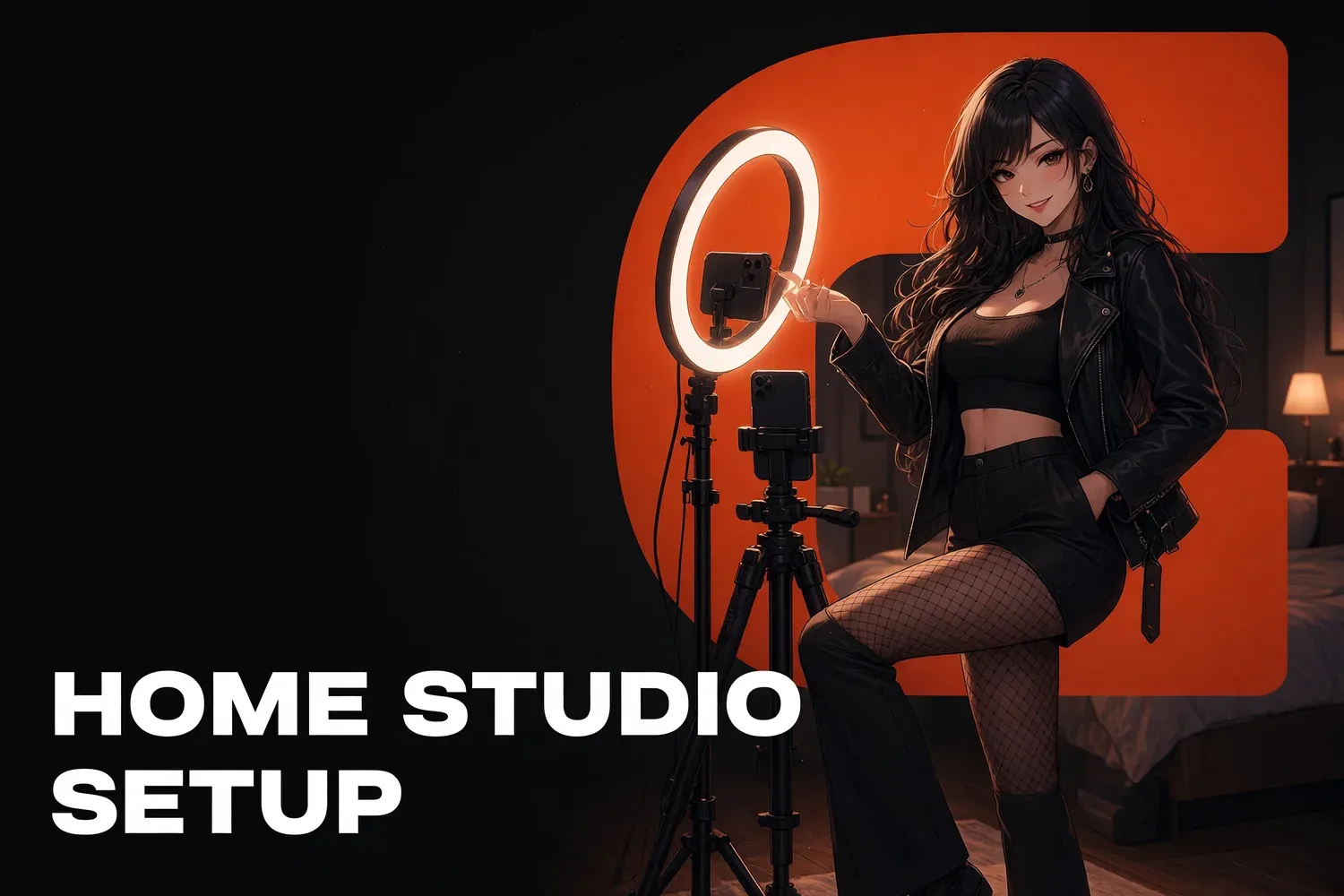
To start on OnlyFans or Fansly, a smartphone, a tripod, daylight from a window and a clean background are enough, and you can put that together for very little. After that, spend in this order: light, sound, background, and only then the camera. Below we go through each piece and finish with a budget-tier table using approximate, clearly labeled price ranges.
Good content starts with light
Lighting matters more than the camera. A phone in good light beats an expensive camera in a dim room: less noise, cleaner skin, accurate colors. So your first upgrade is light, and your first free fix is shooting next to a window in daytime without mixing different bulbs in the same shot.
Lighting basics:
- Window to the side, not behind you. Light hits your face at an angle and shadows stay soft. With the window behind you, you get a silhouette.
- One kind of light per shot. Daylight plus a warm ceiling lamp gives your skin two different tints. Switch off overhead lights or close the curtains and use a lamp.
- Soft beats bright. A softbox, or a lamp through a diffuser (even a white sheet), softens shadows.
- Ring lights are for faces. Great for selfies and talking videos, not enough for full-body shots.
- Two-light setup. A main light at roughly 45° and a weaker fill on the other side covers most scenes.
Phone or camera
For most creators a smartphone is enough: the main camera on recent phones shoots 4K and handles portraits well in decent light. A dedicated camera makes sense once you outgrow the phone: low-light shooting, natural background blur without software effects, interchangeable lenses.
Getting the most from your phone:
- Use the main (rear) camera. It’s almost always better than the front one. Use a mirror, a remote or the timer to frame shots.
- Wipe the lens. A hazy image is often just a fingerprint.
- Lock focus and exposure. In most camera apps a long press on the screen locks them so the image doesn’t drift.
- Pick one orientation per shoot. Vertical for socials and messages, horizontal for longer videos. Leave room at the edges.
- Get a tripod. Even a cheap one with a phone mount kills shake and frees your hands.
Sound: the cheap upgrade everyone notices
Fans forgive imperfect video faster than bad audio. Room echo, a humming fridge and street noise make a video feel amateur instantly. A lavalier mic is inexpensive and fixes most of it, especially for talking videos, voice notes and live streams.
- Lavalier mic for videos where you talk. Wired is cheaper, wireless is more convenient.
- USB mic for streams and voice notes at a computer.
- The room matters more than the mic. Rugs, curtains, soft furniture and a closed door cut echo.
- Quiet while recording. Turn off humming appliances and phone notifications.
Background and privacy in the frame
Your background sells your persona and can also reveal where you live. A clean, calm backdrop in your persona’s colors looks more premium than a random room. Anything that could identify your address or identity should leave the frame before you shoot, not get blurred afterward.
Check before every shoot:
- window views, recognizable buildings and signs;
- mail, parcels with your address, documents, badges;
- family and friends’ photos on the walls;
- distinctive items people you know have seen on your socials;
- reflections in mirrors and screens.
Turn off location tagging in your camera settings and check file metadata before posting to social media. More on protecting your identity in our guide to faceless and anonymous OnlyFans.
A plain wall, fabric on a frame or a few distinct spots in your home (bed, armchair, kitchen) are enough. The more zones you have, the easier it is to follow a monthly content plan without every photo looking the same.
Upload speed and storage
For uploading videos and streaming, upload speed is what matters, not the download speed your internet plan advertises. YouTube recommends a 5–14 Mbps bitrate for a 1080p stream at 30 fps, and your upload connection should sit comfortably above that. Use a wired connection for stability.
- Test your upload speed at the time of day you usually shoot or stream.
- Ethernet over Wi-Fi for streams: fewer drops and quality dips.
- Upload long videos early, not five minutes before a mass message goes out.
- Back up. Keep originals in at least two places: an external drive and a cloud account with two-factor authentication.
Bitrate guidance comes from YouTube’s live encoder settings. For streaming on the platforms themselves, see our guide to OnlyFans and Fansly live streams.
Setup tiers by budget
These tiers are approximate. Prices are rough ranges in US dollars with no specific brands, because they vary a lot by country and store. The point is the order of purchases, not exact amounts. Start in the left column and move right when you hit a real limitation.
| Starter (approx. under ~$100) | Mid (approx. ~$150–500) | Advanced (approx. ~$500+) | |
|---|---|---|---|
| Camera | Your smartphone | Your phone, or a newer used one | Mirrorless camera or flagship phone |
| Light | Window + ring light | Two softboxes or LED panels | Several color-adjustable lights |
| Support | Tripod with phone mount | Tripod + tabletop stand | Sturdy tripod, light stands |
| Sound | Wired lavalier | Wireless lavalier | Wireless system + USB mic for streams |
| Background | Plain wall, tidy room | Fabric backdrop, 2–3 zones at home | Styled zones for different scenes |
| Internet and data | Current plan, cable | Plan with strong upload speed | Backup connection, drive + cloud |
How The Chatters helps
As part of our OnlyFans content strategy service, we help you plan a setup that fits your space and budget, build a shot list and schedule shoots so one day covers a week of posts, mass messages and customs. Want to talk it through? Fill out the application.
Quick answers
Can I shoot OnlyFans content with just a phone?
Yes. A recent smartphone with a good main camera handles 1080p or 4K photos and video. Lighting makes a bigger visible difference than upgrading the camera.
What upload speed do I need for live streams?
YouTube recommends a 5–14 Mbps bitrate for 1080p at 30 fps. Your upload speed should sit comfortably above your stream bitrate, ideally on a wired connection.
What should I buy first on a tight budget?
A tripod. Pair it with your phone and window light from the side, and keep a clean background. That beats an expensive camera in a dark room.