DIY Photoshoot at Home: How Creators Shoot Without a Photographer
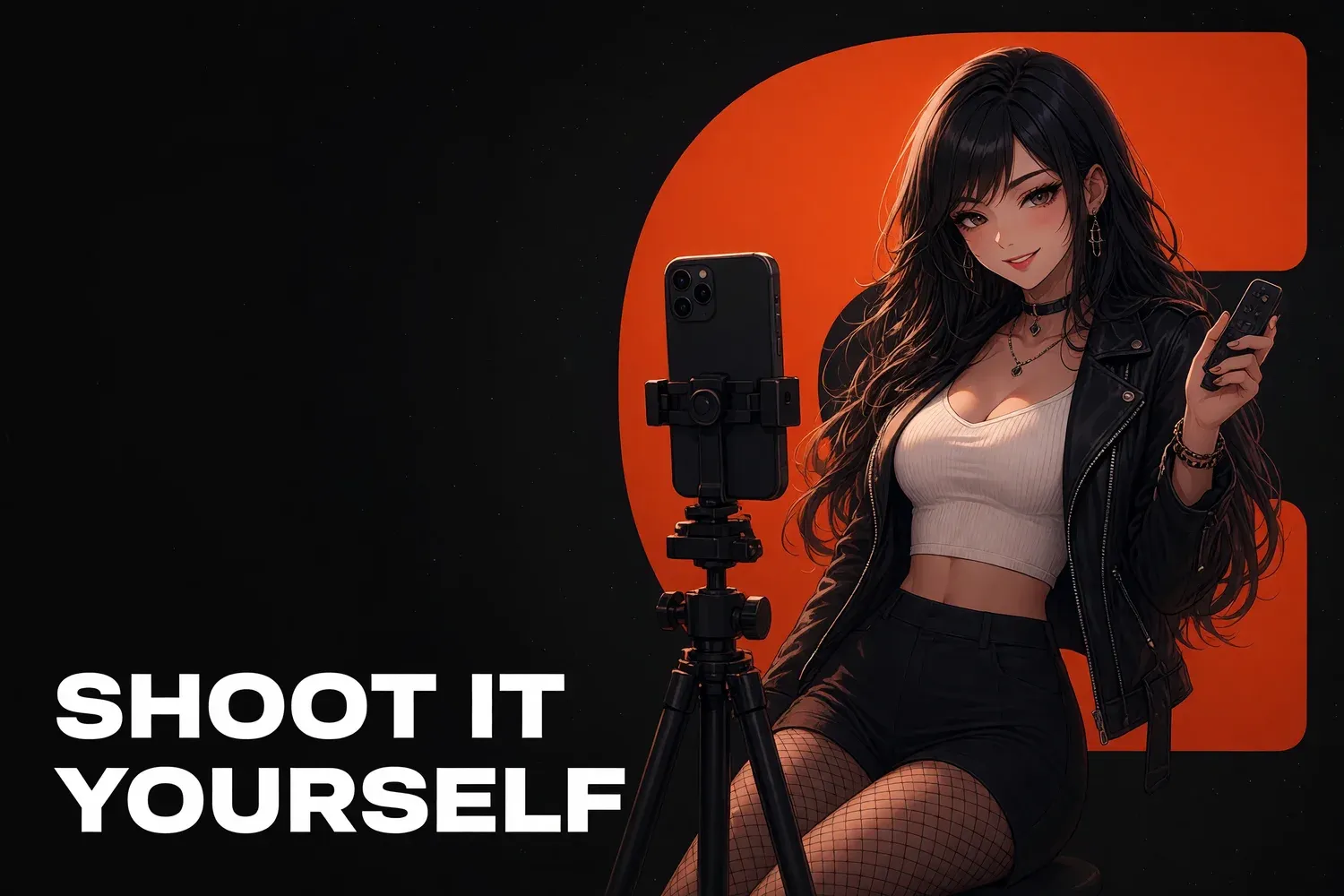
A DIY photoshoot needs a phone on a tripod, window light, a remote or timer and a shot list with 3–5 outfits. One shoot day like that covers a week of content for socials, your feed and mass messages. The camera matters least: light, angles and a safe location decide the result. Below: phone settings, lighting, 8 home locations, shooting away from home, solo poses and a privacy check.
What you need to shoot without a photographer
The basic kit is cheap and fits in one bag: a tripod with a phone mount, a Bluetooth remote, one soft light source and a white reflector. Everything else, from a ring light to a second phone, can wait until you know what’s missing. Start with what you have and add one item at a time.
| Item | Why | Free substitute to start |
|---|---|---|
| Tripod | Level frame, free hands | A stack of books, a shelf |
| Bluetooth remote | No running back to the phone | A 3–10 second timer |
| Soft light | Even skin, no harsh shadows | A window during the day |
| Reflector | Fills in shadows | White foam board, a bedsheet |
| Full-length mirror | Check poses, mirror shots | A wardrobe with a mirrored door |
For gear in more detail, with options at different budgets, see our OnlyFans home setup guide.
Phone settings that matter
Shoot on the main camera, not the front one; it’s noticeably better on every phone. Wipe the lens, turn on the grid, lock focus and exposure with a long press and skip digital zoom: move closer instead. Use vertical 9:16 for socials and mix in horizontal shots for your feed.
Settings worth checking:
- 4K video. You can pull stills from it if the photos miss, and crop without losing quality.
- Burst mode. Out of ten shots in motion, one almost always beats any static pose.
- Portrait mode, carefully. Background blur sometimes eats hair and clothing edges.
- One white balance. Don’t mix a warm lamp and cool daylight in the same frame.
- Free storage. A full shoot day in 4K can easily take tens of gigabytes.
Lighting: windows, lamps and time of day
The best free light is a big window to your side on an overcast day, or soft light closer to sunset. Switch off the ceiling light; it puts shadows under your eyes. For evening shoots, place one lamp with a diffuser at roughly 45 degrees and a white reflector on the other side.
- A window to the side gives shape and soft shadows. A window behind you turns you into a silhouette, which is handy for faceless content.
- Direct sun gives hard shadows; soften it with a sheer curtain.
- A ring light is great for faces and talking-to-camera clips but flattens full-body shots.
- Warm string lights work as background, not as your main light.
8 locations at home
One apartment gives you more locations than you’d think: every room, and even a corner with different light, reads as a new shoot. Before each one, clear clutter out of the frame and make sure the background shows nothing personal. Change location with each outfit and fans see variety without you spending more.
| Location | What to shoot | Watch out for |
|---|---|---|
| Bedroom | Cozy looks, mornings | Bed made, clean background |
| Bathroom mirror | Mirror shots, getting ready | Phone and clutter in the reflection |
| Kitchen | Cooking, morning coffee | Dishes and cleaning products in frame |
| Living room couch | Evening looks, movie night | The TV screen reflecting the room |
| By the window | Portraits, silhouettes | A recognizable view outside |
| Closet | Try-ons, “pick my outfit” | Tidy hangers |
| Floor with a throw | Relaxed looks, details | Flat surface, clean blanket |
| Balcony | SFW content only | Neighbors and passersby can see you |
Shooting away from home
When home gets repetitive, there are three legitimate options: a studio rented by the hour, a rental where the host has approved filming, and nature or city spots for regular social clips. Each comes with someone else’s rules. OnlyFans prohibits explicit content filmed where members of the public could see it, and in many places it’s also illegal.
| Option | Upside | What to check |
|---|---|---|
| Hourly photo studio | Lighting, sets, privacy | The studio’s rules on shoot types |
| Short-term rental | A new interior for a full day | Airbnb requires the host’s documented permission for commercial shoots |
| Hotel | Good-looking rooms | The hotel’s filming policy |
| City, nature | Light SFW clips for socials | Local filming rules, strangers in frame |
If anyone else appears in the frame, you need their consent, and for OnlyFans or Fansly content, a release under the platform’s rules.
Poses and angles when you’re alone
Without a photographer, the main problem is sameness: one angle and one pose for the whole shoot. The fix is simple: change the camera height, film movement and get several framings per outfit. A camera at waist height makes legs look longer in full-body shots; a camera slightly above eye level softens facial features.
- Three framings per outfit: full body, waist up, details.
- Movement over posing: a step, a turn, touching your hair. Use burst or video.
- A three-quarter turn looks more natural than facing the lens head-on.
- Details: hands, fabric, jewelry, shoes. They also carry faceless content.
- A mirror gives you two angles at once and helps you check the pose.
Run a privacy check on every frame
Home photos reveal more than you’d expect: a window view, a house number, a label on a package, a reflection in a mirror or a black TV screen. Five minutes of checking before a shoot costs less than figuring out later how someone found you, especially if you work faceless or under a stage name.
Checklist before each shoot:
- The window view is covered or unrecognizable.
- No mail, documents, labeled boxes or ID badges in frame.
- Reflections in mirrors, glasses and screens checked.
- Nothing in frame that also appears on your personal social media.
- Camera geotagging off, metadata stripped before upload.
- Audio doesn’t give away the area: church bells, announcements, a local radio station.
More tactics in our faceless OnlyFans guide, and if content has already leaked, see how to remove OnlyFans leaks.
How to run a shoot day
A good shoot day is planned in advance: outfits, locations, a shot list and an order. Without a plan, half the day disappears into outfit changes and second-guessing. With one, 4–6 hours give you a week of content: social clips, feed photos and PPV material. How to spread it across a month is covered in our content plan guide.
- The night before: outfits, charged batteries, empty storage, a clean location.
- Morning: use window light for the most important shots.
- In order: within each outfit, go from the most neutral shots to the more revealing ones.
- Back up right away: copy files to a drive or the cloud the same day.
- Sort: folders for socials, feed, PPV and teasers.
- Edit: one preset for the whole shoot and no heavy body retouching. Fans notice when photos and videos don’t match.
How The Chatters helps
We write shot lists, pick outfits and locations for your niche and split everything you film across socials, feed and mass messages as part of our content strategy service. You shoot to the plan, and our chatters sell the results in DMs 24/7. Want a shoot plan for your page? Fill out the application.
Quick answers
Do I need a professional camera for my content?
No. The main camera on a current smartphone is enough for both socials and your feed. Light, a tripod and a steady frame make a much bigger difference.
Can I shoot content outdoors?
Regular SFW clips for socials, yes, within local laws. OnlyFans rules prohibit explicit content in places where members of the public could see you.
How do I keep my address out of home photos?
Before shooting, hide the window view, mail and documents and check reflections. Before uploading, turn off geotagging and strip the file’s metadata.