Faceless OnlyFans: How to Protect Your Identity and Still Earn
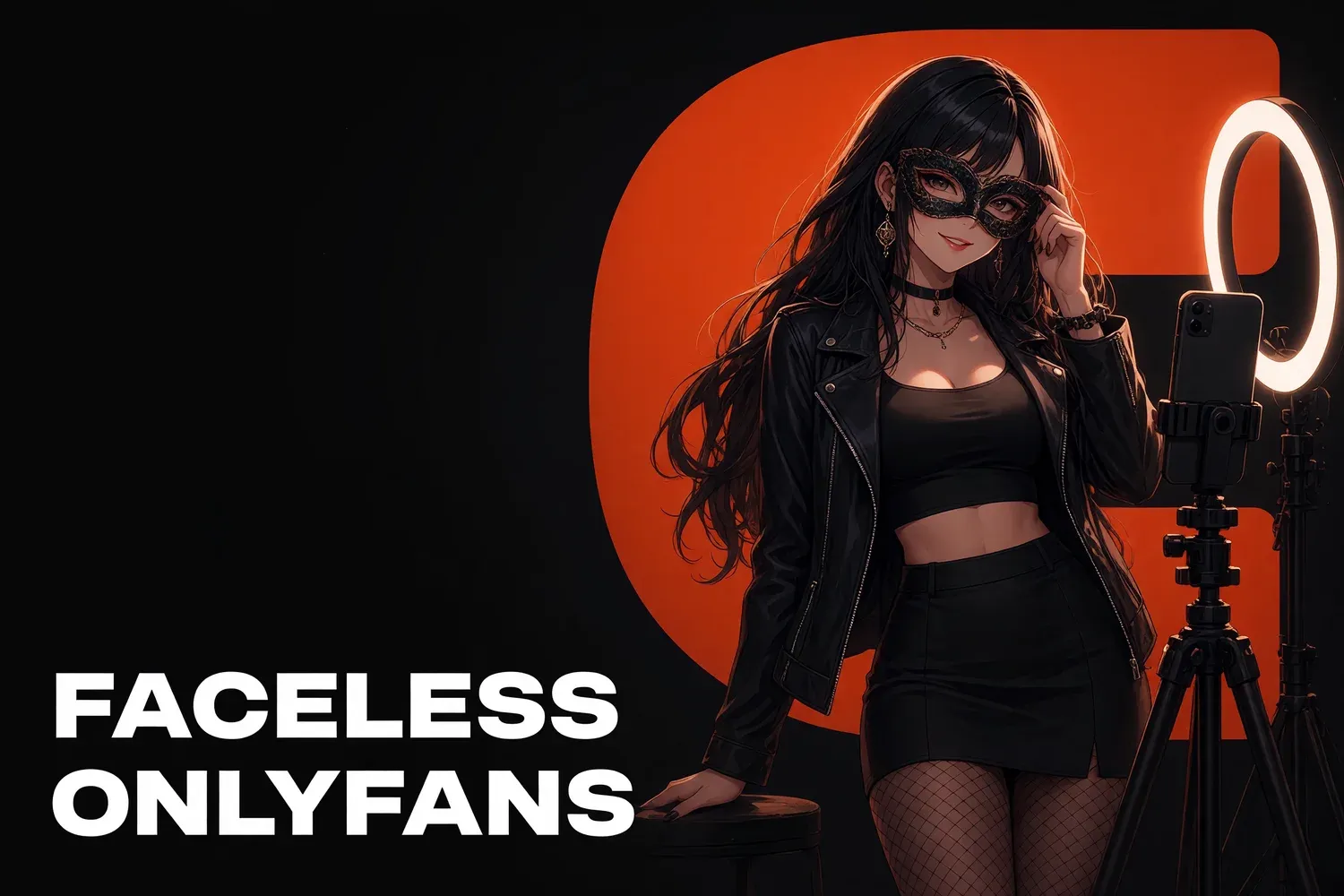
Yes, you can run OnlyFans or Fansly without ever showing your face. The platform sees your ID during verification, but fans only see your handle and what you choose to post. Staying anonymous comes down to three layers: what ends up in the frame, the digital trail you leave and how your page is set up. Here is each layer, with the checklist that closes the most common gaps.
What the platform sees versus what fans see
The platform knows exactly who you are; your fans know almost nothing. OnlyFans and Fansly verify age and identity with an ID and a selfie, and payouts need banking details. None of that is shown on your page. Fans see your display name, handle, avatar, bio and the content you upload yourself.
So verification isn’t what exposes you. What exposes you is what you post and how your page connects to your everyday life. Never try to dodge verification or open a page with someone else’s documents: it breaks platform rules and can get the account banned with your balance on it.
What gives you away on camera
People recognize you by details long before they’d recognize a face. Friends notice tattoos, moles, jewelry and your living room first. Run every shoot through the same checklist. It takes a minute, while fixing a mistake after it’s been posted and leaked is close to impossible.
Frame checklist:
- body: tattoos, scars, birthmarks, a signature manicure. Cover, retouch or shoot around them;
- jewelry and clothes: the ring you wear every day, a jacket or bag people know;
- interior: the view from your window, art, wallpaper, furniture guests have seen;
- reflections: mirrors, phone screens, dark glass, sunglasses;
- voice: if it’s recognizable, use music, captions or text overlays;
- outdoor backgrounds: street signs, license plates, landmark buildings.
Your digital trail: keep two lives separate
Anonymous creators are usually found through links between accounts, not photos: the same email, the same handle, the same profile picture as a personal account. Your creator identity should exist on its own, built from scratch, with zero overlap with your real one.
What to do:
- A separate email and phone number for every creator account.
- A new handle that has never appeared in your old profiles, games or forums.
- No photos from personal social media. Reverse image search matches them in seconds. Test it yourself: drop your creator photos into Google Lens and see what comes up.
- Strip metadata. Phone files can carry location and device data. Turn off camera geotags and clean metadata before uploading to social platforms.
- A separate browser profile for creator accounts.
- Don’t sync your phone contacts with your creator Instagram or TikTok, or the apps will suggest your page to people you know.
Page settings worth switching on
Platforms give you tools that lower the odds of people you know stumbling onto your page. The main one is geo-blocking. Set it up before your first post rather than after someone finds you, and recheck it after platform updates to make sure it’s still active.
| Setting | What it does | Limits |
|---|---|---|
| Geo-blocking (country, region, IP) | hides your page from visitors in chosen places | no protection against leaks or screenshots |
| Watermark with your handle | every leak points to your page, not to you | can be retouched out |
| Handle with no real name | no link to your legal identity | only works if the handle is unique |
| Two-factor authentication | makes account takeover much harder | keep your backup codes safe |
You don’t always need to block a whole country. If most fans come from the US and Europe and your worry is people from your hometown, blocking your own state or region is often enough.
Staying anonymous when you work with a team
Once chatters, an editor or an agency are involved, more people know more about you than your fans do. That’s fine if it’s set up properly: a contract, an NDA and as little personal data as possible for anyone who doesn’t need it. A chatter doesn’t need your passport or home address to run your DMs.
Check that:
- the NDA covers everyone who sees your content and data, chatters included;
- raw files and documents sit in locked folders with limited access;
- chatters get your persona’s backstory, not real facts about you that could slip into a conversation.
How to sell without showing your face
A faceless page doesn’t sell looks alone; it sells persona and conversation. Fans pay for the feeling of talking to a specific woman with a personality and a story. That’s why a strong persona and quality chatting matter more than a face in the frame.
What works:
- angles and framing: POV, shoulders-down shots, silhouettes, backlight;
- accessories: masks, sunglasses, cosplay looks that become part of the brand;
- a signature detail: a color, a prop, a style fans remember you by;
- personality in DMs: voice notes (if your voice is safe), jokes, habits, a distinct texting style. We break down how to build one in our guide to your OnlyFans persona;
- faceless social content: text-on-screen videos, faceless trends, aesthetic shots.
What to do if someone recognizes you or leaks you
Even with every precaution, the risk isn’t zero: content leaks and people connect dots. Move fast and in order: document, report, then close the gap that exposed you. Panicking or negotiating with someone making threats only makes it worse.
- Save links and screenshots.
- File DMCA notices and Google removal requests. The full process is in our guide on how to remove OnlyFans leaks.
- If your phone number or address is online, use Google’s “Results about you” tool.
- If you’re being blackmailed, keep the messages, contact the police and a lawyer, and don’t pay.
- Figure out which detail gave you away and keep it out of future content.
How The Chatters helps
We work with creators who never show their face, and we build content and promotion so anonymity doesn’t cost sales: from persona and shoot plans to faceless social media and fan conversations. See how we plan content on our OnlyFans content strategy page, and how we protect creators’ data on safety and contract. Want to talk about your page? Apply here.
Quick answers
Can I verify my OnlyFans account without showing my face?
No. The platform checks your identity with a government ID and a selfie, but only the verification team sees them. Fans only see your display name, handle and the content you post.
Does geo-blocking keep people I know from finding me?
It helps. Visitors from the countries or regions you block can’t see your page, but it does nothing against leaks or screenshots. Treat it as one layer, not a guarantee.
Can a faceless OnlyFans actually make money?
Yes. Faceless pages sell on persona and conversation: fans pay for attention and connection, not only for the picture.