OnlyFans Creator Scams: Fake Admins, Phishing, Fake Payments
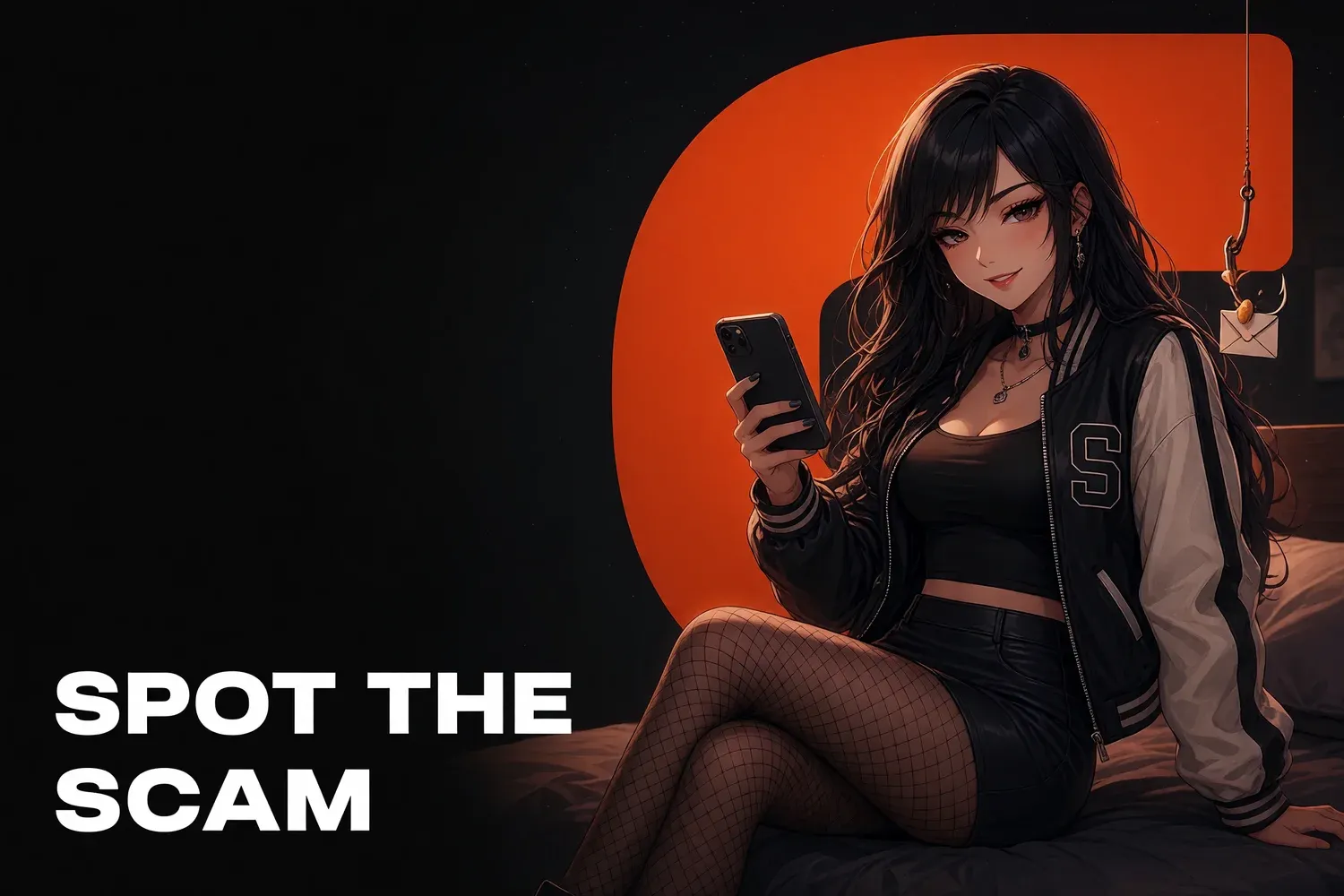
Creators on OnlyFans and Fansly get hit by three scams more than any other: a fake “platform admin” threatening a ban and sending a login link, a phishing page that steals your password, and a fan sending a fake payment screenshot to get content for free. One rule beats all three: log in only through the official site, and count money only when it shows in your platform dashboard. Here’s how to spot each scheme and what to do if you’ve already clicked.
Fake platform admins and support messages
The most common play: a message claiming to be from OnlyFans or Fansly arrives in your DMs, on Telegram, Instagram or by email. It’s built to scare you: “your account has been reported,” “payouts are frozen,” “verify your identity within 24 hours.” Then comes a login link or a request for the code from your text messages. The goal is your account and your payout details.
Signs it’s fake:
- urgency and threats: “final warning,” “account will be deleted”;
- an unofficial channel: Telegram, WhatsApp, Instagram DMs;
- a lookalike domain: extra words, hyphens, typos or a different ending;
- a request for your 2FA code, password, ID photo or bank details;
- a “verified” badge drawn into the name or avatar instead of real platform status.
What to do: click nothing. Open the platform yourself, in the app or by typing the address, and check notifications there. If the problem isn’t in your real dashboard, it doesn’t exist. As the FTC puts it, legitimate companies won’t email or text with a link to update your payment information.
Phishing links in your chats
Phishing dresses up as anything: “look, you got leaked,” “is this you?”, “brand brief attached,” “payment link for your custom.” Behind it is a fake login page or a file carrying malware. Creators are prime targets because they get hundreds of messages a day from strangers, and one bad link hides easily among the real ones.
| The bait | What’s behind it | How to tell |
|---|---|---|
| “Your leak is on this site” | fake OnlyFans or social login | asks for your password, domain doesn’t match |
| “Brand brief” as a file or archive | malware | .exe, .scr, password-protected archive |
| “Pay me to promote you” | theft of your money | upfront payment, pressure, no track record |
| “Verify your account for a promo” | account takeover | wants you to log in through their form |
| “Payment link for your custom” | off-platform payment | any purchase outside the platform |
Search for leaks yourself instead of following a stranger’s link. Our guide to removing OnlyFans leaks shows how to do it safely.
Fake payment screenshots
A fan writes: “I sent you $300 on Cash App, here’s the screenshot, send the video,” or “my payment went through but your page is glitching, send it manually.” A banking-app screenshot can be faked in a minute. Send the content and you get no money, and your content ends up on a leak site. A sale exists only when it shows in your platform statistics.
How to protect yourself:
- every purchase goes through the platform: PPV, tips, customs. No Cash App, Venmo, PayPal or gift cards;
- check payment in your dashboard, never by screenshot, email or forwarded message;
- a “glitch” isn’t a reason to send for free. If a purchase failed, the fan pays again;
- don’t take money from fans directly. You lose platform protection, and it’s exactly the pattern that gets accounts flagged; see creator bank account frozen.
A related problem is fans who pay and then dispute the charge with their bank. That’s covered in our guide to OnlyFans refunders.
Fake agencies, promoters and “managers”
Another scheme: an “agency” or “promoter” promises fast growth and asks for your login and password, access to your email, or an upfront fee for promotion. Once inside, they change payout details or drain the balance. A real agency works under a contract, and access to your page never means control of your payouts.
Red flags:
- they want your email password or 2FA codes;
- upfront payment for “guaranteed” results;
- no contract, no registered company, no verifiable case studies;
- they ask you to change payout details “to make things easier.”
Before you sign with anyone, read our guide to spotting OnlyFans agency scams.
If you already clicked or entered your password
Move fast. Scammers need time to change your email and payout details, and if you get there first, you may lose nothing. The order matters: secure your email first, then the platform, then payout details, then contact support.
- Change your email password and turn on two-factor authentication.
- Change your OnlyFans or Fansly password on the official site and enable 2FA. Fansly has a 2FA setup guide.
- Log out of all sessions and review your device list.
- Check payout details: bank, wallet, recipient name.
- Contact platform support through the official site with what happened, when, and the links involved.
- If you downloaded a file, run a full security scan and change passwords from a different, clean device.
- If money was stolen, call your bank and report it to police.
Where to report phishing:
- US: ReportFraud.ftc.gov; forward phishing emails to reportphishing@apwg.org and texts to 7726;
- UK: forward suspicious emails to report@phishing.gov.uk, texts to 7726, and report fraud at Report Fraud, which replaced Action Fraud in December 2025 for England, Wales and Northern Ireland.
Security rules for you and your team
Most account takeovers don’t come from clever hacks. They come from one careless click or a password shared in a chat. A few simple rules for you, your manager and your chatters shut down almost every scheme here. If a team works on your account, put the rules in writing and make them non-negotiable.
- a unique password for your email and each platform, stored in a password manager;
- two-factor authentication everywhere, and codes are never forwarded to anyone;
- no links or files from fans or “brands” without checking;
- payments confirmed only in the dashboard;
- one person controls payout details, and that person is you.
How The Chatters helps
Our chatters work 24/7 with C1+ English and see every one of these schemes daily: fake admins, “payment” screenshots, bait links. They work to the same rules: no suspicious links, no content until payment shows in the dashboard, and scammers filtered out without losing real buyers. See what’s covered in our contract and NDA on the safety and contract page. Want to talk about your page? Apply here.
Quick answers
Will OnlyFans support contact me on Telegram or Instagram?
Treat any message like that as a scam. Contact platform support only through the official website or app, never through links or contacts in a message, however official the logo or urgent the warning looks.
A fan sent a screenshot of a payment. Can I send the content?
No. Payment screenshots take a minute to fake. A sale only counts when it shows up in your platform statistics, and every purchase should go through OnlyFans or Fansly, not a direct transfer.
What should I do if I entered my password on a phishing page?
Change your email and platform passwords on the real sites right away, turn on two-factor authentication, log out of all sessions, check that your payout details haven't changed, then contact platform support.